Flake filter for unstable tests
Flake filter automatically detects and ignores unstable tests so they don’t block your build. Each unstable test includes a trace to help you identify what changed during capture.
How flake filter works
Chromatic renders each test multiple times to determine whether a visual change is genuine or the test is unstable.
When Chromatic detects an unstable test, it automatically ignores the test so the build isn’t blocked by a false positive. On the build page, actual changes appear at the top, while ignored tests are grouped separately in a collapsed section below.
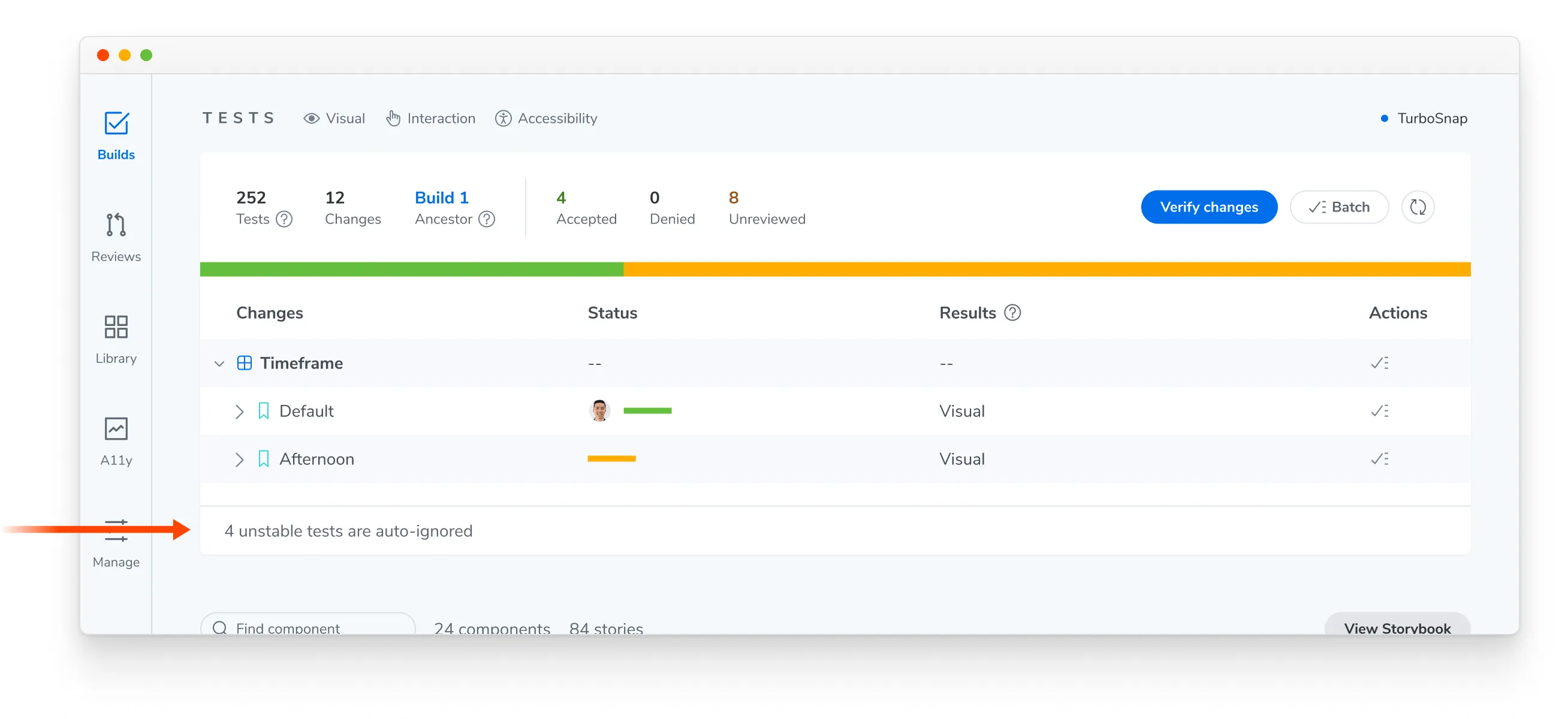
Automatically ignored tests won’t affect your baselines unless you accept them, and they won’t surface in the UI Review workflow. You can still deny an unstable test to force the build to fail.
Auto-ignores don’t persist across builds
Flake filter runs on each build to reevaluate whether a test remains unstable. When a test becomes stable, it automatically returns to the test suite.
To ignore an unstable test on every build until you fix it, quarantine the test.
Related mechanisms
Automatic ignoring is one of several ways a test can stop blocking your build. See ignored, auto-ignored, and disabled tests for how it differs from ignoring a test yourself or disabling it entirely.
Disable flake filter
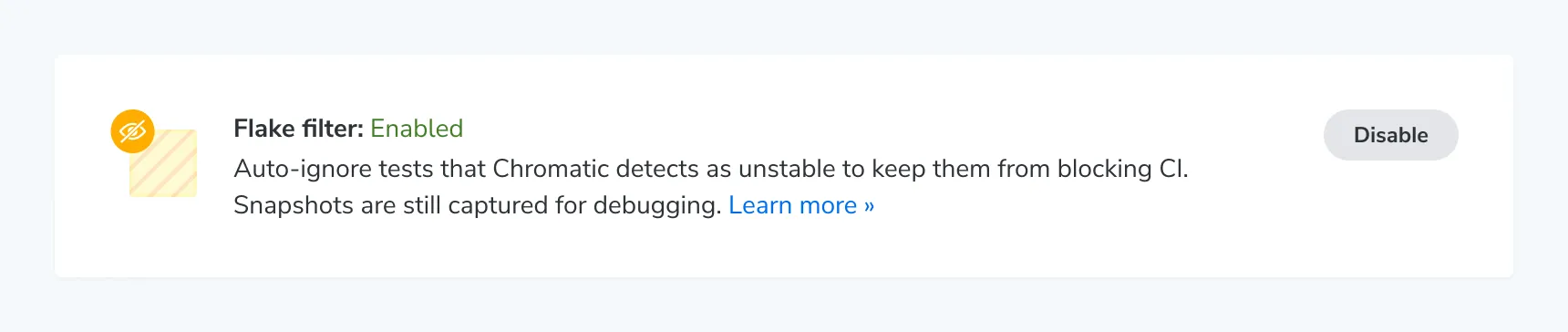
You can turn off automatic ignoring for unstable tests from your project settings.
Frequently asked questions
Do auto-ignored tests count toward my billed snapshot usage?
Yes. Chromatic has to capture a visual snapshot of a test to determine whether the test is stable, so ignored tests still count towards billed snapshots. However, even if Chromatic renders a test multiple times to detect instability, you are charged for only one billed snapshot.